



Amazon Returns Policy
Amazon offers a 30-day return policy for most items sold and fulfilled by Amazon in the UK. Items must be returned within this timeframe for a full refund to the original payment method. Always check Amazon’s returns policy before sending items back to ensure you have the most current information.
How to Send an Amazon Return
Start by logging into your Amazon account and navigating to the 'Your Orders' section. Find the order you wish to return and click on 'Return or Replace Items'. Next, select your preferred return method and follow the provided instructions.
Amazon offers several return options, including drop-off at Amazon locations, Amazon Locker, or mailing back through various couriers. Ensure your items are unused and in their original condition, then pack them securely and include the return slip. Finally, drop off your package at the selected return location or arrange for a courier pickup.
Looking for more Amazon advice? Check out our Amazon Shipping & Delivery Guide.
Amazon Return Cost
For items shipped within the UK, return shipping is often free for items sold or dispatched by Amazon. Always use a trackable shipping service to avoid any issues.
Why Choose Parcel2Go for Returns
With free returns becoming less common, Parcel2Go offers a cost-effective solution for sending back items. We provide the cheapest parcel shipping rates in the UK, backed by a range of trusted couriers to ensure your return process is smooth and affordable.
Simply get a free quote, select the best delivery service, enter the addresses accurately, and book your collection or drop-off. Plus, you can track your parcel’s journey for free, giving you peace of mind.
Parcel2Go makes returns easy, affordable, and reliable, ensuring your items reach their retailer without hassle. Choose Parcel2Go for a stress-free returns experience.
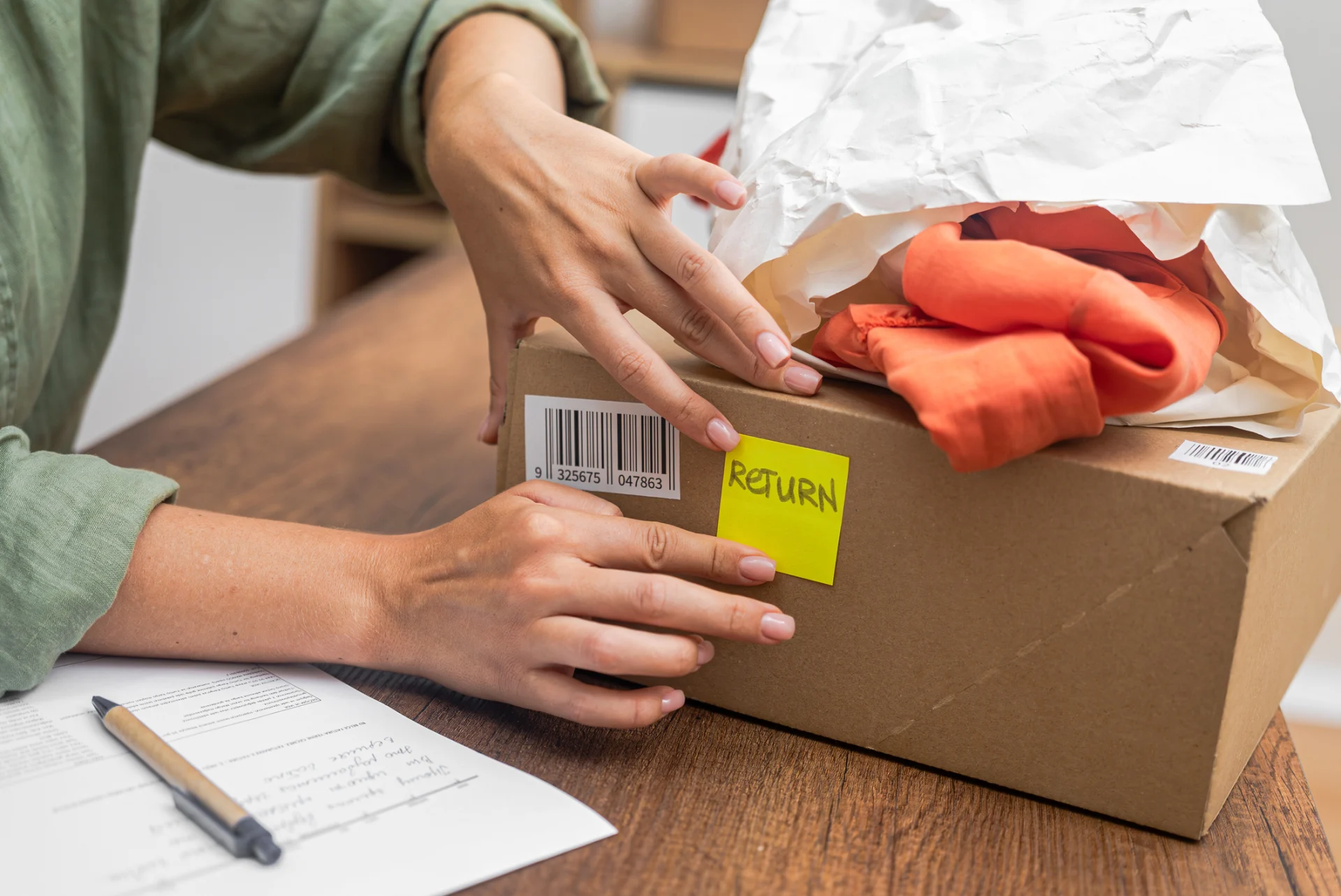
Return an item from major UK retailers including:
We offer returns from all major retailers including the following. Please check the individual retailers returns policy before booking:



















Frequently Asked Questions
How to return to Amazon without a printer?
If you don't have a printer, Amazon offers several options. Select the "No Printer Needed" option when choosing your return method. You can use Amazon Locker or take your package to a drop-off location like a UPS store or Amazon Hub Counter, where they can print the label for you.
Are returns on Amazon free?
Returns on Amazon are often free for items sold and fulfilled by Amazon, especially if the reason for return is due to Amazon’s error. However, for other reasons, you may need to pay return shipping costs unless you use a prepaid return label provided by Amazon.
How to cancel a return on Amazon?
To cancel a return on Amazon, log in to your account and navigate to the 'Your Orders' section. Find the return request you wish to cancel, click on 'View Return/Refund Status', and select the 'Cancel Return' option. Confirm the cancellation to complete the process.