


Send your Amazon parcels with Smart Send
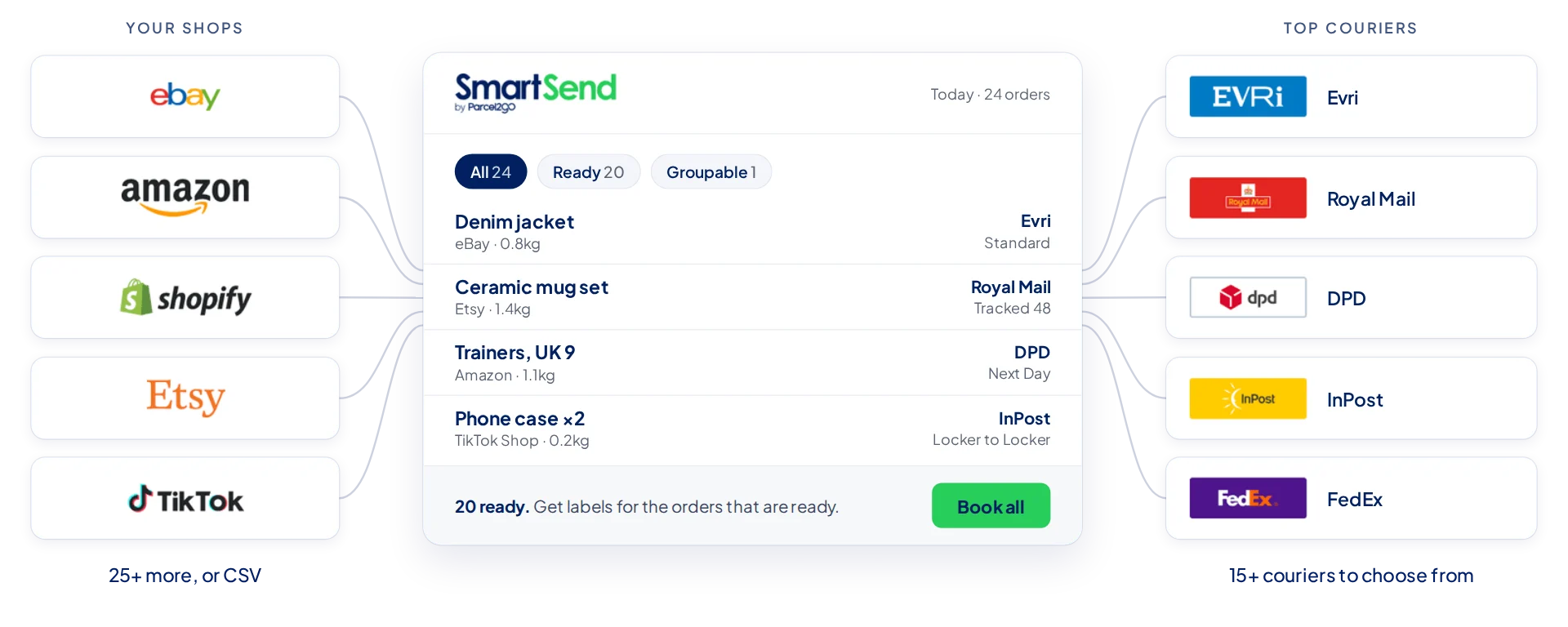
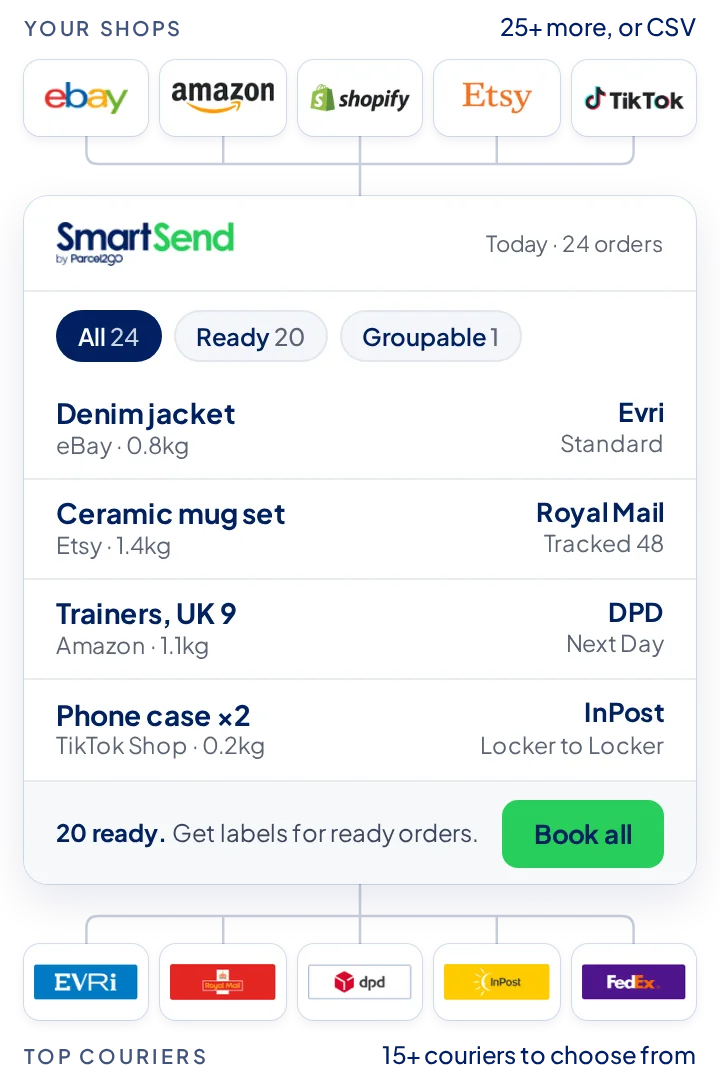
Link your Amazon account to Smart Send and import your Amazon orders alongside your other stores and marketplaces, ready to book in one run. Free to use, no contracts.
100,000+
Active sellers ship with Smart Send
200+
Worldwide destinations
15+
UK and International couriers
Up to 18%
saved on courier costs
Up and running in four steps
1. Sign in or register
Sign in to your Parcel2Go account, or create one for free in a couple of minutes.
2. Link your Amazon account
Connect your Amazon account to Smart Send. It takes about 2 minutes.
3. Import your orders
Import items and buyer details in seconds, then tweak, remove or bulk-edit any order.
4. Ship your first parcel
Pick a courier, book all your orders in one click and track every parcel.
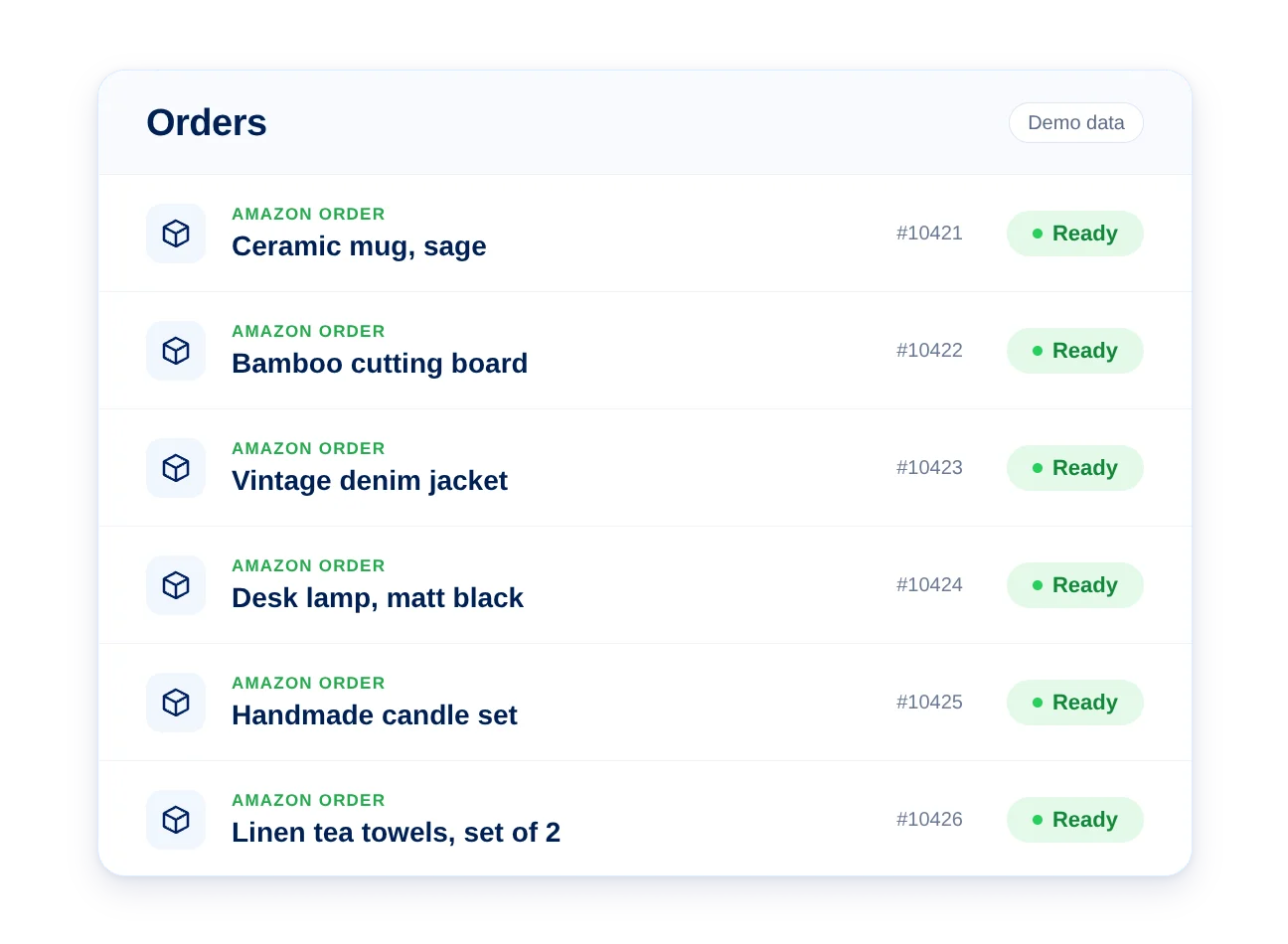
All your Amazon orders in one place
Building a business on Amazon isn't easy. Smart Send makes Amazon shipping simple, so you can book all your parcels in record time with no contract.
Import items and buyer details in seconds
Tweak, remove or bulk-edit your orders at any time
Book all of your orders with a single click
Offer express delivery options to rival FBA
Resolve disputes easily with comprehensive parcel tracking
Boost your seller rating by booking in record time
Who delivers for Amazon UK?
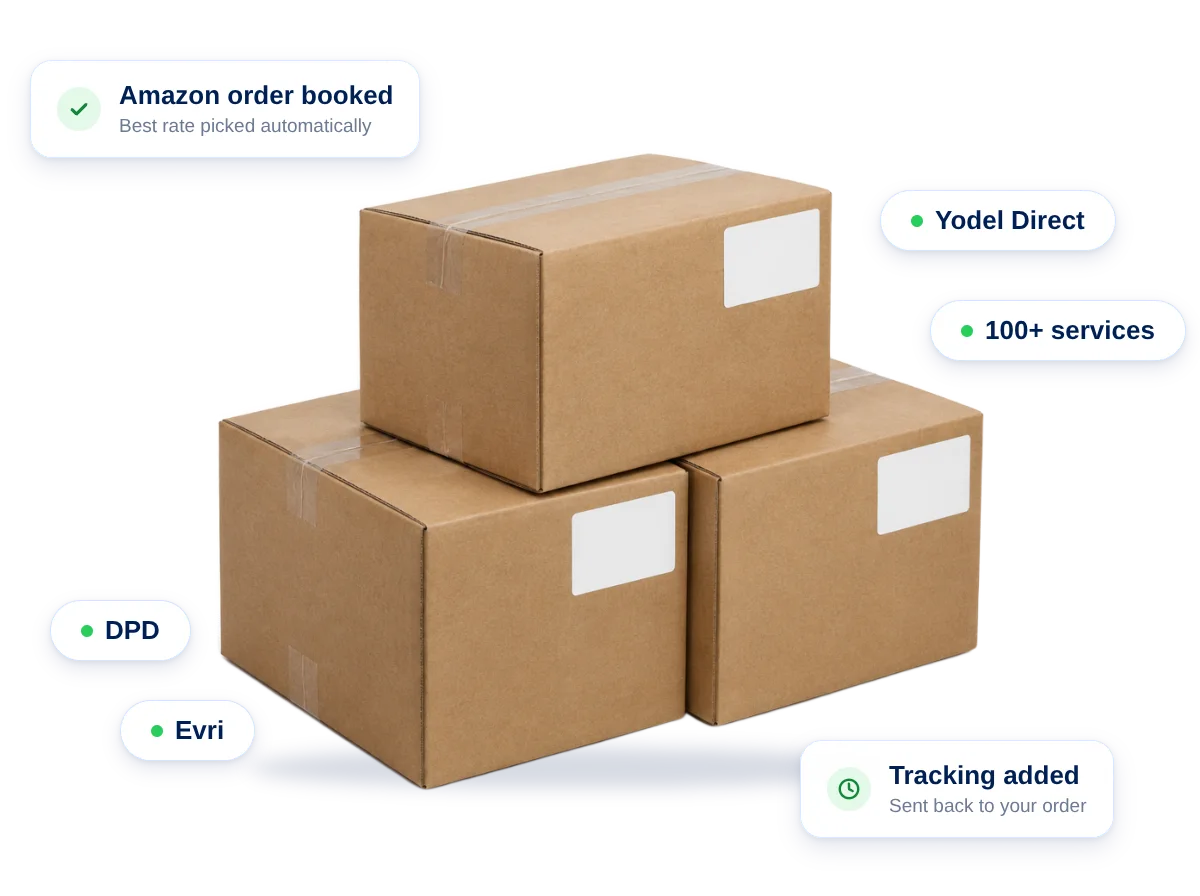
Choose from 100+ Amazon courier options with Smart Send, including DPD, Evri and Yodel Direct, at our preferential rates.
Book and buy Amazon parcel delivery manually or automatically
Save specific couriers for specific items for a consistent customer experience
Track Amazon deliveries and manage all your invoices in one place
No extra cost, across all your platforms
The shipping tool built for sellers.
Helpful Amazon guides
Frequently Asked Questions
How to set up shipping on Amazon?
Setting up shipping on Amazon is easy. Go to the Seller Central option in your account and begin filling in the details there on your inventory, pricing and shipping options. You can make management easier with Smart Send, our free shipping solution for ecommerce. Set up your Amazon shipping options and book delivery all from one easy-to-use platform, all for free.
What is Amazon rush shipping?
Rush shipping on Amazon usually means delivery within a one to two day timeframe for customers. This is for Amazon’s UK delivery, rather than international, and unlike Amazon Prime shipping, one day shipping is not enforced. One to two day shipping is a Premium shipping option for UK Amazon merchants.
What is Amazon drop shipping?
Amazon drop shipping is where a third party holds and sends out your items for you. Rather than you personally having to store items, you make an agreement with a third party to fulfil your orders for you. You can find out more about this on Amazon’s drop shipping guide.
With Parcel2go, you can manage your Amazon drop shipping through Smart Send and get access to the best rates for Amazon shipping in the UK through our reliable courier network.
Can my supplier ship directly to Amazon?
Yes, your suppliers can ship directly to Amazon. When you offer Fulfilment-by-Amazon (FBA), Amazon stores and ships your products directly. To send your inventory to Amazon, go to Seller Central, choose Inventory > Manage Inventory. On the list of your items, click Edit, and in the dropdown menu choose Send/Replenish Inventory.
From there, you can choose what you’re sending and from where, how you’ll be sending them, any extra details you might need such as barcodes and more. Amazon will tell you where to ship your items to. You’ll need your supplier details to hand and you’ll need to inform your supplier of the shipment details once organised.
Start free today. Upgrade when you're ready.
Join 100,000+ sellers getting more out of their shipping with Smart Send.