Send Your eBay Parcels with Smart Send
Sign in or register with your Parcel2Go.ie account
Take 2 minutes to link your eBay account
Start shipping with Smart Send
Easy Selling. Easier Shipping.
Synchronise with eBay to automatically mark items as dispatched
Easy dispute resolution thanks to great tracking features
Link as many eBay accounts as you like for free
eBay is so popular because it makes selling online as easy as possible.
But even when you find your listings selling in record time, it can be difficult to keep on top of all the deliveries you need to book.
Luckily, you can now import all the details of your items ready to book delivery in a click with Smart Send, our free e-commerce shipping solution.
Why Sellers Love Using Smart Send for eBay Parcel Deliveries
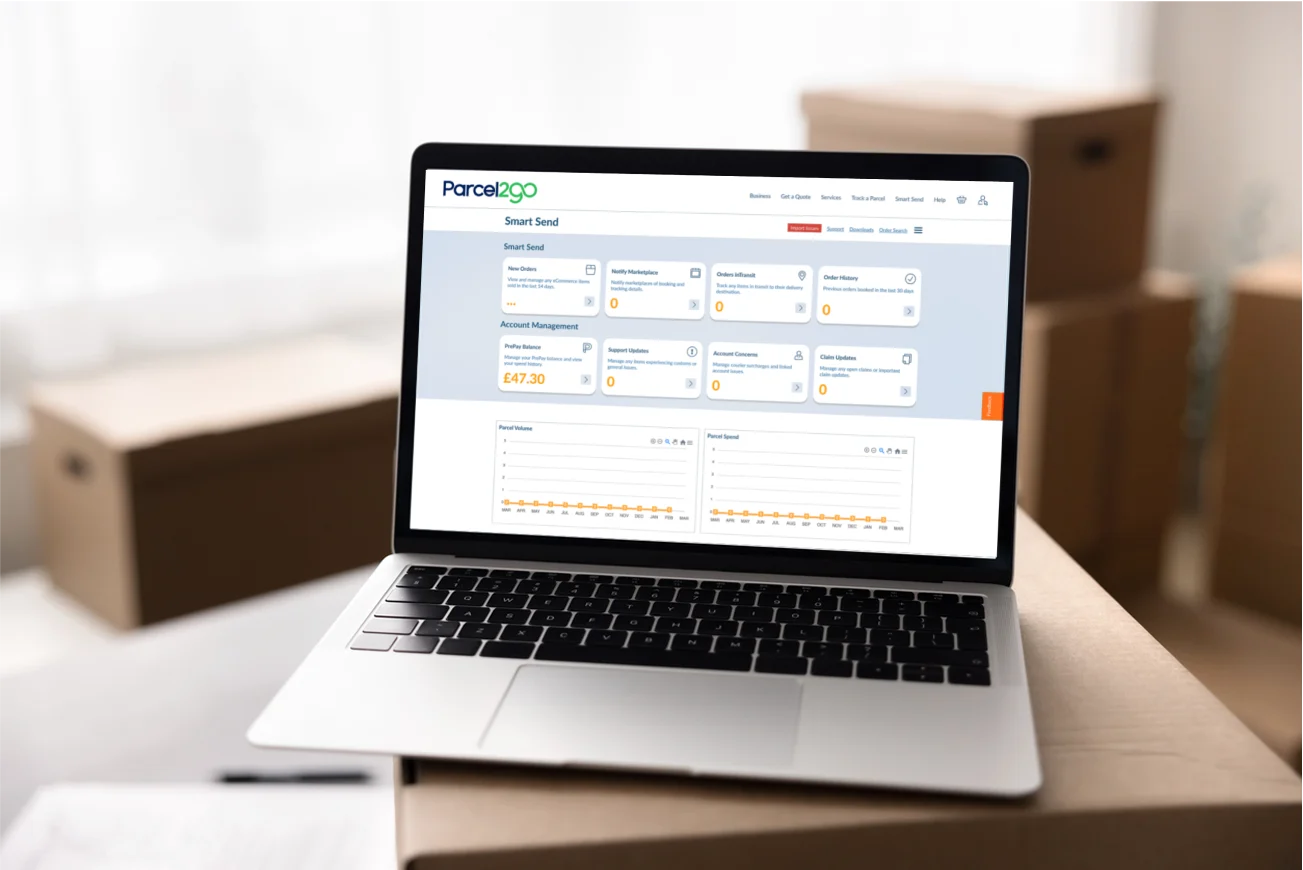
There’s more than one reason to start using Smart Send for all your eBay parcel delivery needs. Our ecommerce order management system helps you streamline your eBay delivery service and makes running your business a breeze.
With Smart Send, you can:
Import eBay delivery items and buyer details in seconds
Synchronise with eBay to automatically mark items as dispatched
Tweak, remove or bulk-edit your orders at any time
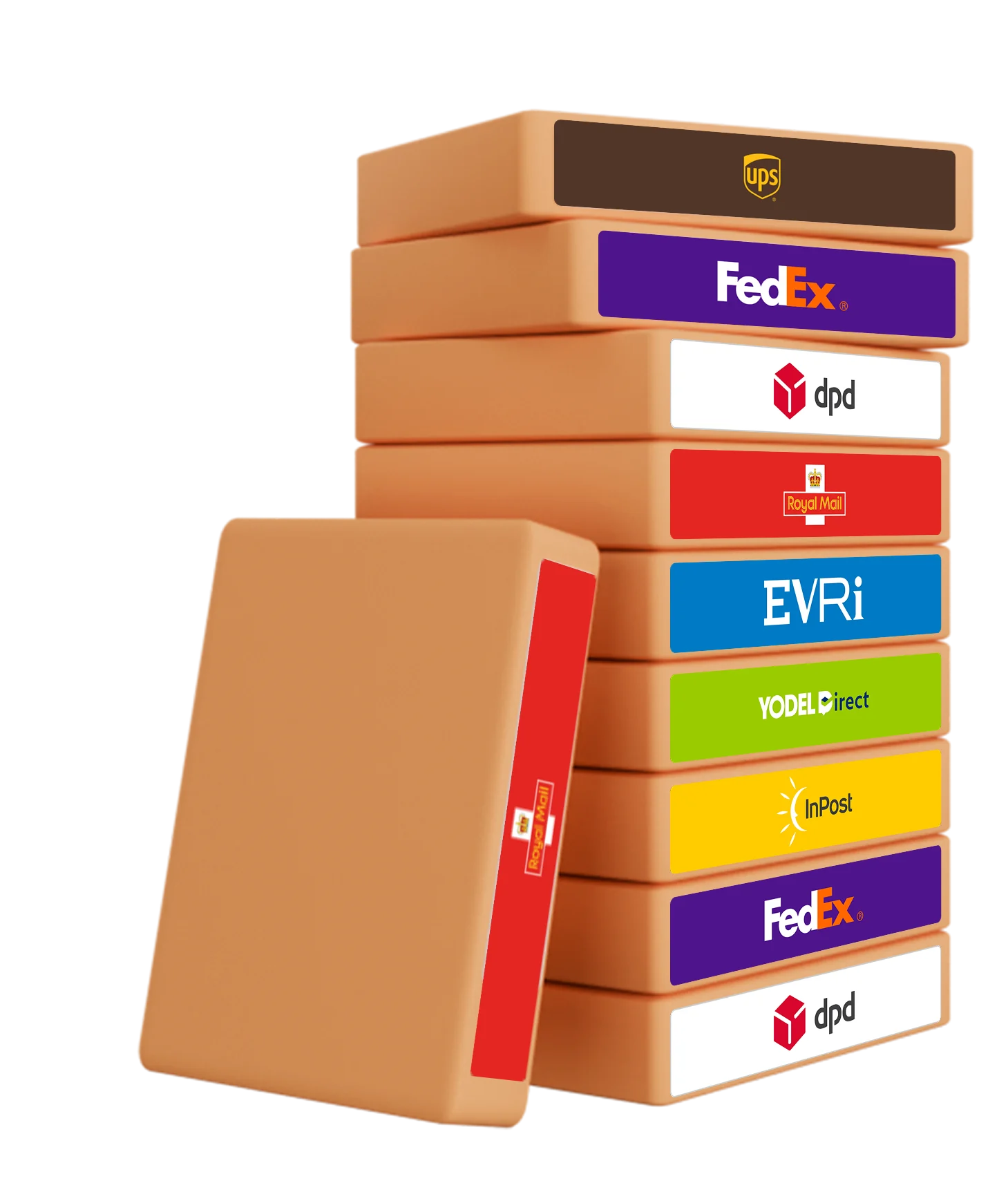
Access to a wider range of eBay couriers than anywhere else
Easily resolve disputes with comprehensive eBay parcel tracking features
Quickly download invoices and statements for all of your orders
Please note: From 15 April 2025, eBay’s Simple Delivery service will automatically apply to most listings from private sellers. If you're a business seller or managing a high volume of orders, Smart Send remains the best way to streamline your workflow, manage multi-platform orders, and access a wider range of courier services.
Best of all, Smart Send is entirely free eBay shipping solution.
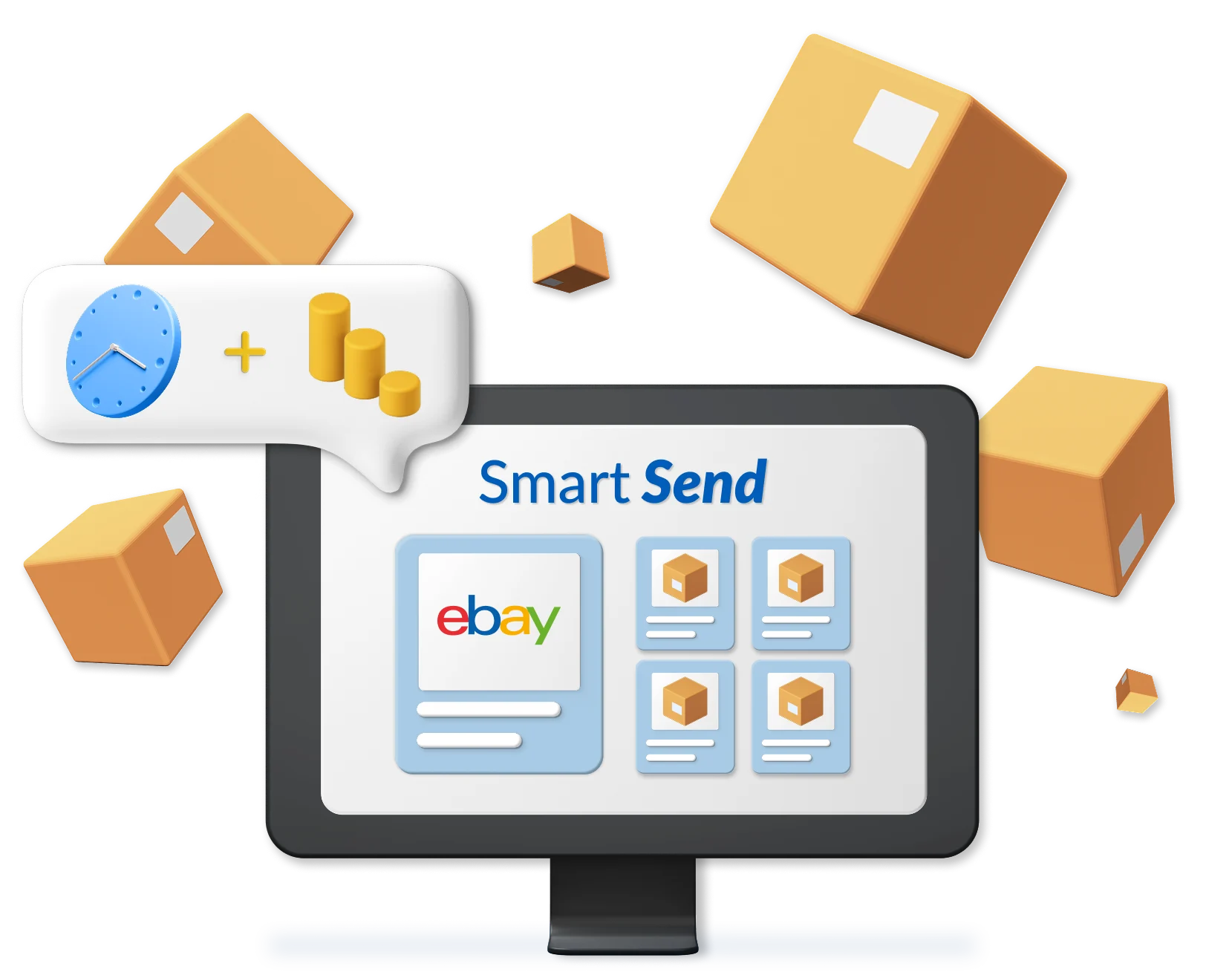

Selecting the Smart Send Delivery Option on eBay
Once you link your eBay account, you can manage all your delivery options from your Smart Send dashboard instead of through eBay. But here's how to choose Parcel2Go delivery option on eBay:
Go to the 'Delivery' section of your listing.
Select 'Switch to advanced options' and then click again on the pop up.
Select 'View all delivery services'.
Scroll to the bottom of the list and choose the 'Other Courier' option.
If you link your eBay account with Smart Send, all your orders will be automatically pulled into your account unless you choose for them not to be.
If you are a private seller, eBay’s Simple Delivery will now be the default method on your listings, which means you will no longer see all delivery options when creating or editing listings. To continue using a broader courier selection via Smart Send, you’ll need to switch to a business account.
Find out more on how to link Smart Send with eBay in our Help Centre below.


Other World-Class eCommerce Integrations
Our shipping tool also integrates with some of the world's largest e-commerce platforms and order management systems.
Our eBay Delivery Guidance
When selling on eBay, you want to find the best delivery service for your customers and your business. Using Smart Send, you can find eBay next-day delivery services to get your items to your customers quickly.
In e-commerce, delivery is everything. As your eBay funds are on hold awaiting delivery, the faster you get parcels to their destination, the quicker you can get paid. Keep an eye on your shipments using eBay delivery tracking, provided by our reliable eBay courier services, and see the profits roll in as your parcels roll out
The Casual Sender
Only send a few parcels? Import your items for free to make selling as easy as possible.
The Online Startup
Sending regularly? Save time by bulk-editing your imported items and book all of your orders with a click.

The Power Seller
Making your living online? Manage all your channels from one place and even automate your bookings for maximum control.